
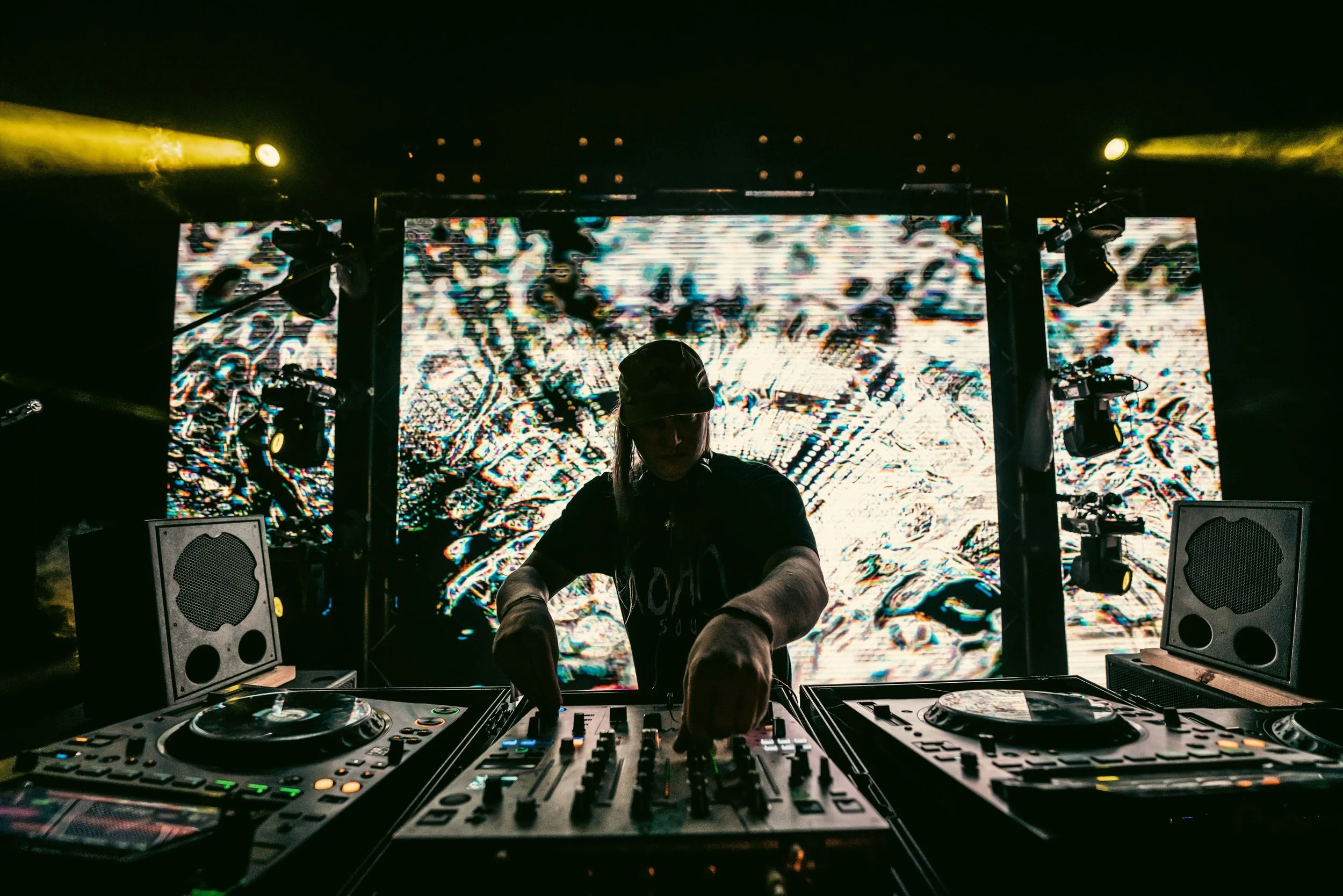
Introduction to live visuals and VJing.
This class covers:
Basic terminology and concepts: video mixer, VJ software, effects, audio-visual sync, generative and interactive visuals.
Basic video mixing techniques: fades, cuts, dissolves, other transition effects.
Students will have the opportunity to practice mixing video clips and applying basic transition effects.
Configuring up a VJing environment: hardware/software reqs, choosing VJ software, routing audio/video inputs/outputs.
Students will have the opportunity to set up their own VJing environment and practice using the software.
Introduction to video effects and filters: color correction, blur, distortion, and other common video effects.
Students will have the opportunity to practice using video effects and filters to enhance their visuals.
Classes are around 1.5 hours long and can be done virtually via Discord, or in person.
Nothing is required for this intro course except a computer capable of video chat.
Software licenses helpful but not required.
Introduction to live visuals and VJing.
This class covers:
Basic terminology and concepts: video mixer, VJ software, effects, audio-visual sync, generative and interactive visuals.
Basic video mixing techniques: fades, cuts, dissolves, other transition effects.
Students will have the opportunity to practice mixing video clips and applying basic transition effects.
Configuring up a VJing environment: hardware/software reqs, choosing VJ software, routing audio/video inputs/outputs.
Students will have the opportunity to set up their own VJing environment and practice using the software.
Introduction to video effects and filters: color correction, blur, distortion, and other common video effects.
Students will have the opportunity to practice using video effects and filters to enhance their visuals.
Classes are around 1.5 hours long and can be done virtually via Discord, or in person.
Nothing is required for this intro course except a computer capable of video chat.
Software licenses helpful but not required.